
Virtual NOL Card Dubai: Activation, Usage & Benefits
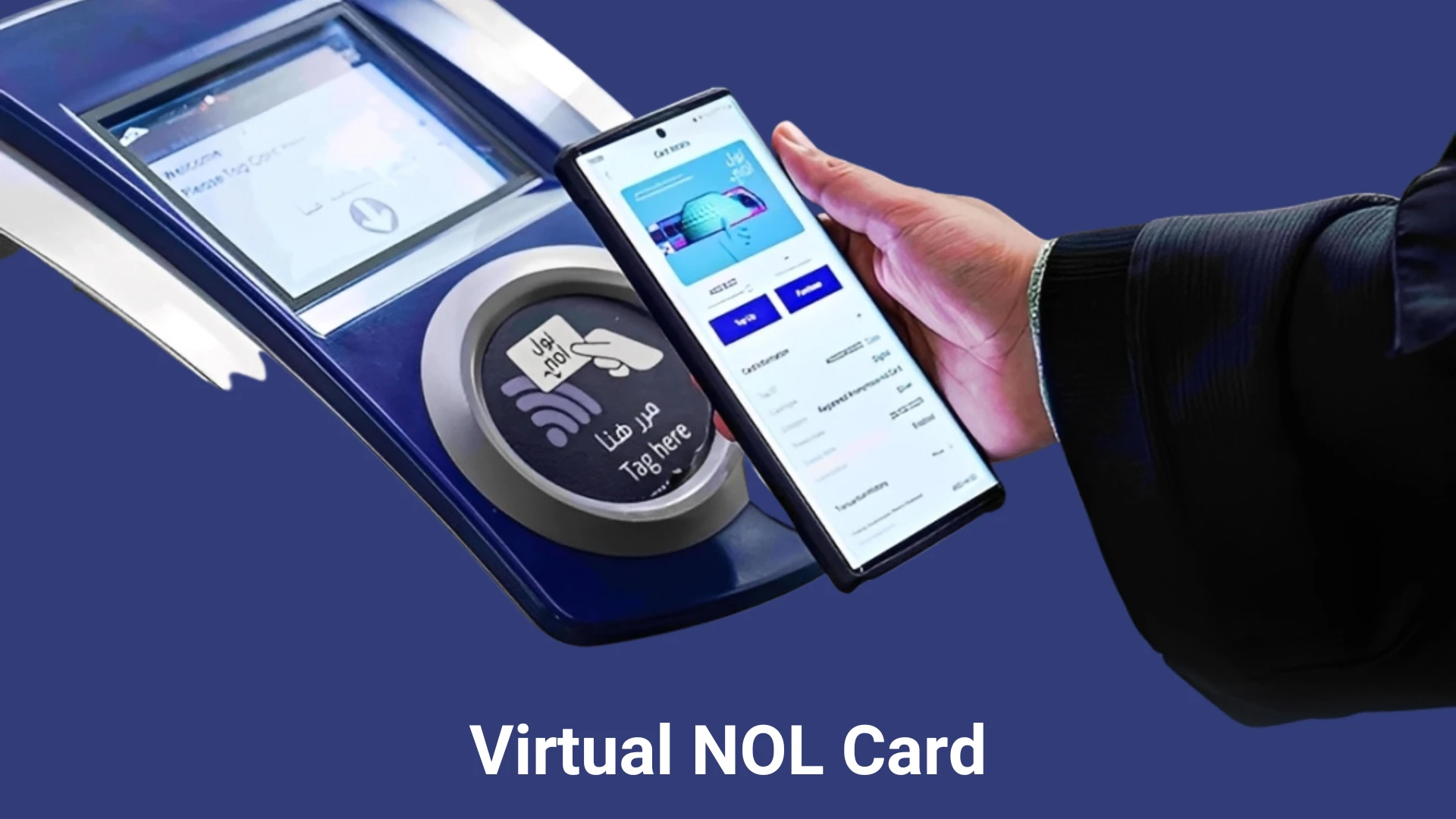
Carrying a physical NOL card can sometimes be inconvenient. If you’re visiting Dubai and want to pay for travel fare, parking fees, and more digitally, a Virtual NOL Card is an ideal solution. This RTA card is a contactless smart card that works across Dubai’s shopping malls, petrol stations, parking areas, and public transport. It is just a tap and pay option. Simply tap your smartphone on a reader, and your payment will be deducted instantly.
What is a Virtual NOL Card Dubai?
A Virtual NOL Card is a cashless digital payment solution that works across all public transport in Dubai, including Metro, Trams, buses, waterbuses, and taxis. The Roads and Transport Authority (RTA) Dubai issued this electronic version of traditional NOL cards to be used on smartphones.
You can make instant payments at public transport, restaurants, and markets by simply tapping your phone on a card reader and paying without the hassle of having a physical card all the time.
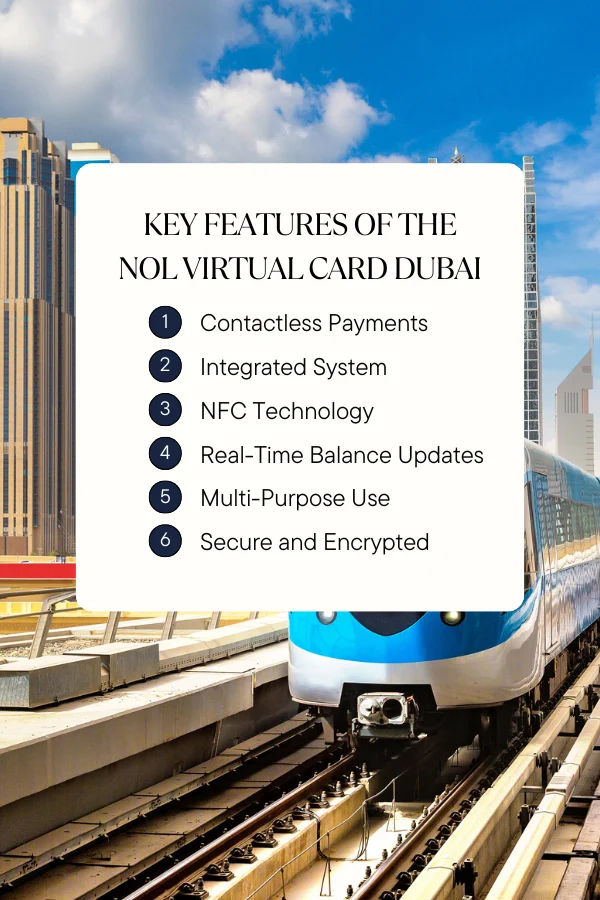
Key Features of the NOL Virtual Card Dubai
A virtual card is a more advanced, user-friendly, and convenient alternative to conventional NOL cards. The key features of this digital smart card are listed below:
Contactless Payments
With a Virtual Card, you can make instant payments by just tapping your phone on a card reader. Whether it is a travel fare, shopping payment, or restaurant bills, you can pay with your mobile phone without needing a physical card!
Smartphone-Integrated System
Smartphone users, who have NFC technology in their handsets, can pay their bills in Dubai by simply tapping their phones with a compatible reader. Moreover, a Virtual Card also supports QR code payments, making the process even more flexible and easier.
NFC Technology
A Virtual Card Dubai works via Near Field Communication (NFC) for Android users. This feature is not available across the globe, but a few developed countries like Dubai, have introduced it as a user-friendly and easy way to make payments through a smartphone.
Real-Time Balance Updates
With this digital NOL card, you can check and track your NOL Balance anytime through a mobile app. Moreover, you can top up your balance, view the transaction history, and manage your card online with your mobile phone.
Multi-Purpose Use
This digital smartcard is valid across all public transport, as well as shopping areas, and restaurants across Dubai, thus serving a multi-purpose use.
Secure and Encrypted
Completely secured and End-to-End Encrypted with a comprehensive digital encryption technology. Even if your mobile gets stolen or lost, the NOL Virtual Card can’t be operated by someone else on your phone.
Requirements to Turn Your Physical Card into a Digital NOL Card
How to Activate a NOL Virtual Card? Step-by-Step Guide
Setting up a NOL virtual card on your smartphone is an easy and quick process. However, before you begin, it’s important to ensure that your phone supports NFC (Near Field Communication) technology.
How to Use the Virtual NOL Card in Dubai?
In Public Transport (Dubai Metro, Trams, Buses, Taxis)
In Shopping Markets
Payments at Parking Areas
Pay the parking charges at the RTA parking zones by simply tapping your phone on the parking meter. The dues will be deducted automatically through your smartphone.
Virtual NOL Card Fee
There are no additional charges to set up a Virtual NOL card on your mobile phone. Simply download the NOL Pay app and top up a minimum balance to start using the card for travel and other payments across Dubai.
How to Digitise a Physical NOL Card on Samsung?
Following an agreement between Samsung and RTA in 2023, Samsung users can now digitise their physical cards via their smartphones. However, there are a few important conditions to keep in mind before switching your digital Cards to Virtual NOL Cards Samsung. These are:
Steps to Switch Physical NOL Card to Virtual One
How to Digitise a Physical NOL Card on Huawei?
Huawei has made it simpler for its users to switch their physical NOL cards to the digital versions. Users can seamlessly use this smart card on Huawei mobile, Watch 3 and Watch 3 Pro.