
Quick Ways to Recharge NOL Card: Top It Up Now!
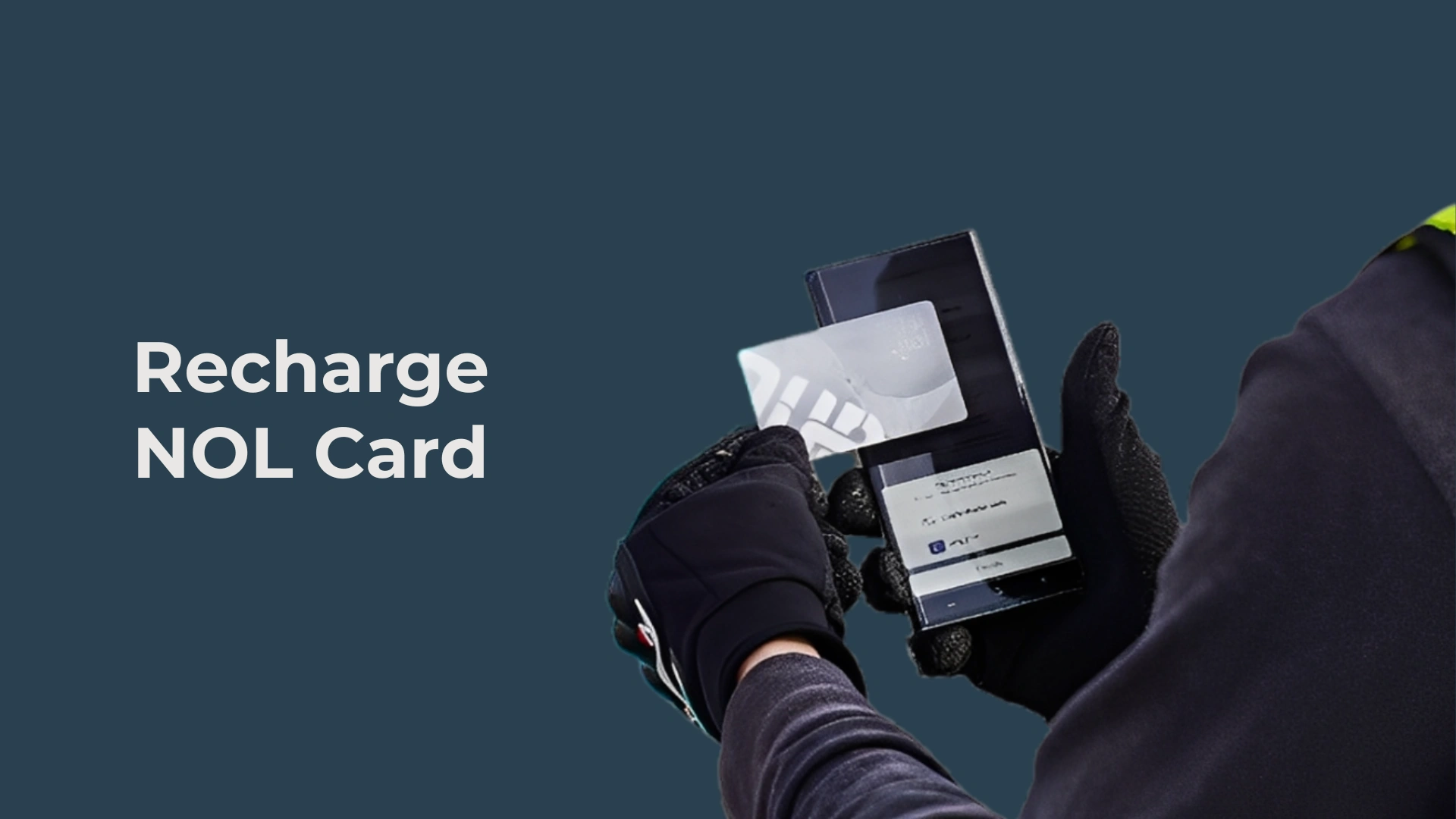
The NOL card is an essential aspect of the public transport system in Dubai and the regions of the United Arab Emirates (UAE) more widely. A smart, contactless card managed by the Roads and Transport Authority (RTA), the NOL card enables the user to easily pay for the Dubai Metro, buses, trams, water buses, taxis, parking, and selected retail purchases. The NOL cards are therefore of value to residents and visitors alike, allowing for an easy fare payment method and to top up and get on with riding public transport effortlessly. This guide provides a comprehensive 1000-word overview of how to top up your NOL card in the UAE, with methods, tips, and practical guidance to make topping up your card hassle-free.
What is a NOL Card?
Before we delve into the process of topping up, we need to understand what the NOL card is. The word “NOL” is the Arabic word for “fare”, and it is a prepaid, electronic ticketing option created by RTA as far back as 2009. The NOL card is a smart card, the same size as a credit card, and it contains a tamper-proof chip embedded within it to thwart fraudulent transactions or activity. The NOL Card can be utilized on RTA transportation services, which include the Dubai Metro, Dubai Tram, buses, marine transport (ferries, abras), and in “paid parking” areas. Additionally, the card can also be used at select retail stores/restaurants, pharmacies, and even museums. This makes this card a very helpful payment option.
Reloading Your NOL Card
All methods of reloading will be from the RTA or its partner merchants. Outlined below will be the primary reload methods with detailed explanations.
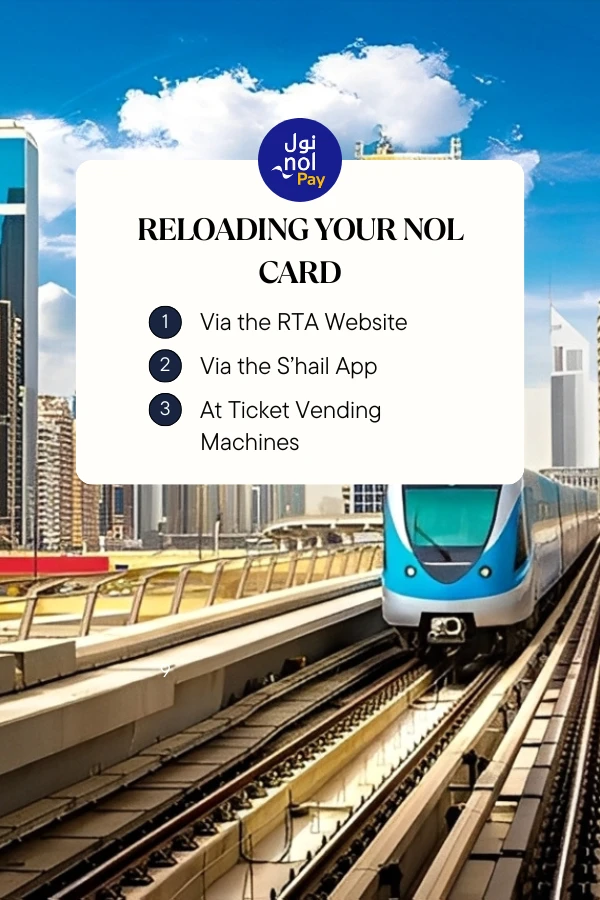
Recharge Online via the RTA Website
The RTA’s official website (www.rta.ae) has a simple online platform where you can recharge your NOL card. This option is perfect for anyone who wants to top up their NOL card from home or from their workplace.
Advantages
Top Up via the S’hail App
The S’hail app is another option that the RTA developed, which is a mobile app available to download at iOS (Apple Store), Android (Google Play Store), and Huawei (AppGallery). This app provides journey planning, checking your current balance in your NOL card, and topping up your NOL card all in one platform.
You can add your NOL Card either by inputting the NOL Tag ID or by simply scanning the card itself. After that, you can either select from a set recharge amount or specify an amount of your own choosing. You then link a payment method of either a credit or debit card or a mobile wallet, and the transaction will be complete. After that, you can activate the top-up by simply tapping on your card at the designated reader.
Benefits
Tip: Always update your app to prevent glitches and errors, and check your card information to make sure it is correct prior to completing your payment.
Re-charging at Ticket Vending Machines
You can use any ticket vending machine located at all the Dubai Metro stations, as well as at the majority of major bus stations and many tram stops, making them very convenient to recharge at—especially for cash or card use. They function similarly to online recharge procedures and are available (during station operational hours).
Helpful Tips for Using Your NOL Card
Common Problems and Their Solutions
Final Thought
Topping up your NOL card is a valid task, but it is important to navigate Dubai’s public transport and related services. Whether it’s through the ease of online, through the RTA website, through the S’hail app, the vending machine, the Emirates NBD easy service for Go4it, or Customer Happiness Centres, there should be a way to top up your card to fit your lifestyle. Once you understand how to have access to a balance and the best practices for maintaining balance, you will be able to use Dubai public transport to the largest extent.If you need any further assistance, visit www.rta.ae or download the S’hail app or RTA at 800 90 90. Make sure you keep your NOL card topped up and enjoy your travel around Dubai.