
How to Check NOL Card Balance with Number: 4 Quick Ways
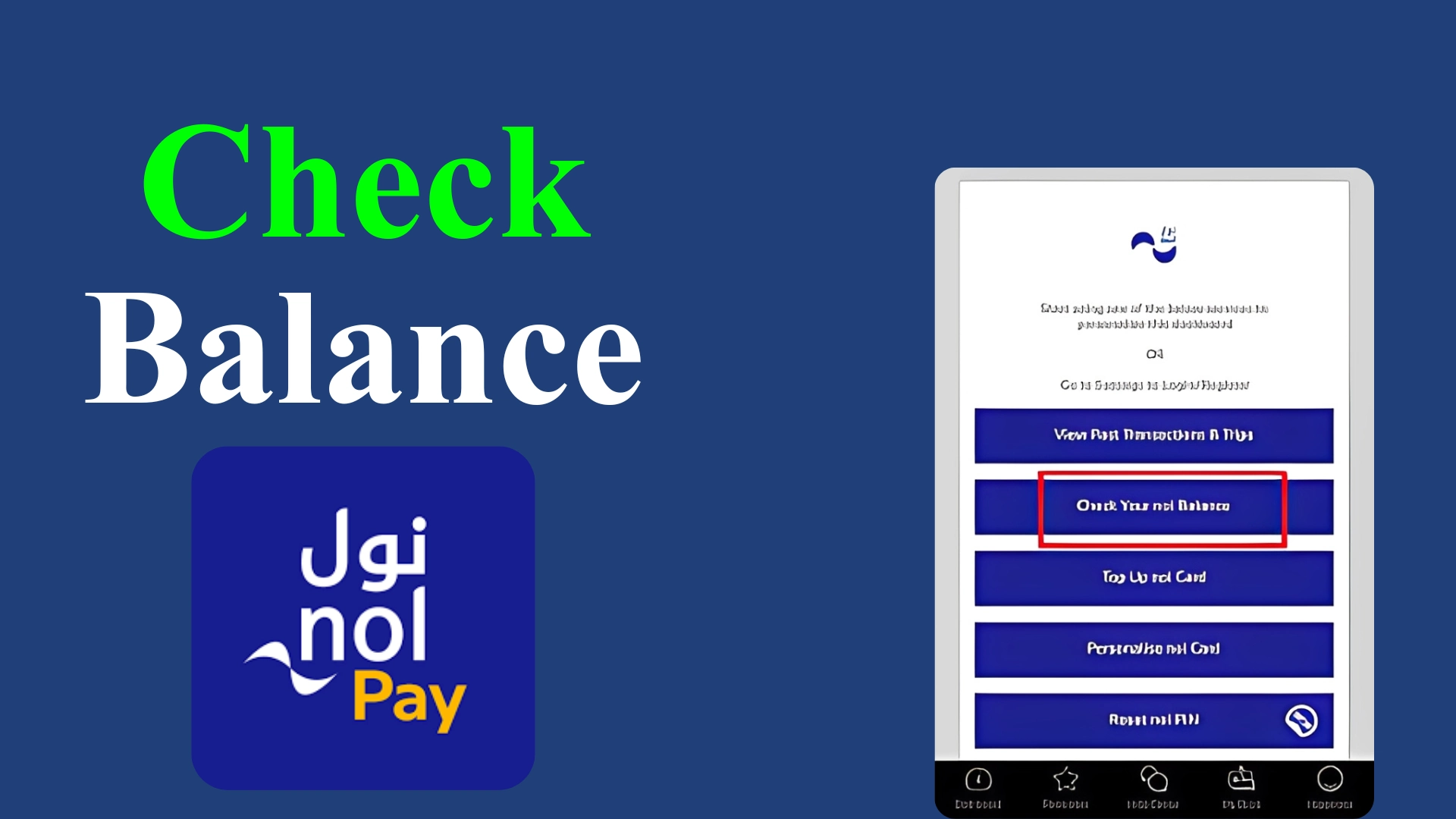
Have you ever found your NOL Card balance too low while travelling through public transport in Dubai? This hassle can be avoided by checking your NOL card balance beforehand using your card number or a registered mobile number in a few easy steps. From online methods to simple SMS, here you’ll get a complete guide for getting details for the NOL Card balance checking with a number.
NOL Card Balance Check with Number: 4 Quick Ways to Follow
The Roads and Transport Authority (RTA) Dubai makes it simple to track your NOL card balance at any time. You can opt for online methods or simple offline modes to check your card balance and transaction history in a few easy steps. Here’s how you can get updated about your account details to enjoy a smooth and hassle-free journey.
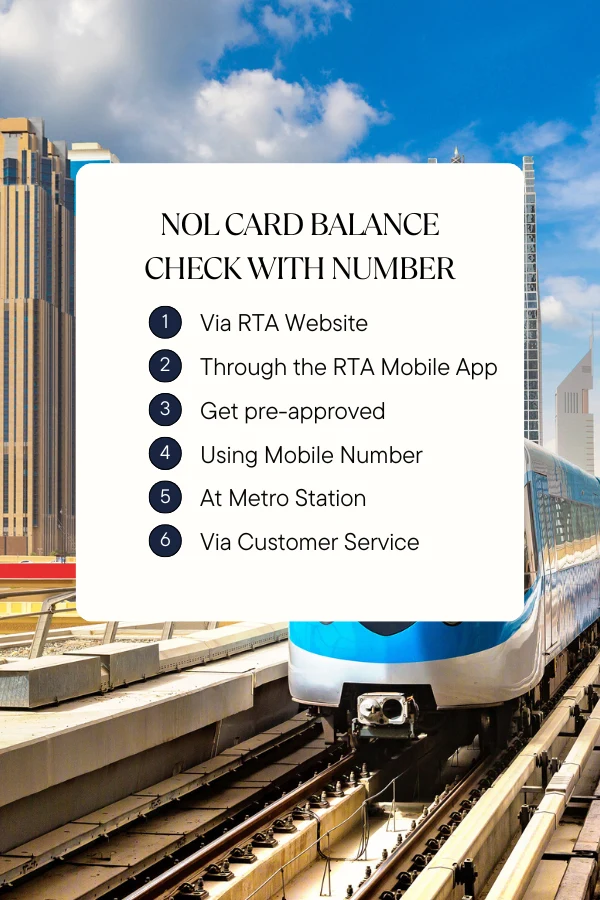
NOL Card Balance Checking with Card Number Via RTA Website
Checking your NOL balance through the official Roads and Transport Authority Dubai website is a quick and straightforward process. Follow the steps below to get a detailed overview of your NOL Dubai account.
Through the RTA Mobile App
The Roads and Transport Authority has launched mobile apps for both Android and iOS users to provide quick access to their NOL card details. RTA App is a fast and efficient way to get your NOL card details.
NOL Card Balance Check Using Mobile Number (SMS Method)
Checking your NOL card balance via SMS is the simplest and quickest step. For this, you don’t need an internet connection either. However, you first have to register your mobile number and ID with the RTA website.
Checking Balance at Metro Station
The self-service kiosks, placed at all Metro stations in Dubai, can be used to get a detailed overview of your NOL account. Tapping your NOL card on the card reader not only provides you with the information about your existing balance but also gives you the option to top up your card instantly.
NOL Card Balance Check with Number Via Customer Service
If you prefer direct assistance, you can check your NOL card balance by contacting the RTA Customer Care Department. All your complaints and inquiries are handled there efficiently by the staff, available 24/7. Here are the contact details for RTA’s Customer Care Service:
Common Issues With Checking Balance With a Number
Although checking your NOL balance with a number is a simple and easy process, you may face issues sometimes. Some of these common problems and the tips to avoid them are listed below:
Incorrect Card Number
Entering an invalid or incorrect card or mobile number will not allow you access to your NOL account. Therefore, it’s important to double-check the digits before submitting your request.
Unregistered Mobile Number
It is one of the most common issues users encounter while checking their card balance via SMS. An unregistered mobile number doesn’t help you access your account. Therefore, make sure to register your mobile phone number with RTA to inquire about your balance via SMS.
Blocked or Expired NOL Card
If your card is blocked, suspended, or expired, you will not be able to get access to your NOL account online. To avoid this issue, reactivate your expired card or get a new one before submitting your request for access to your account. Regularly checking the validity of your card also helps avoid the issue.
Technical Errors on RTA Website or Mobile App
Sometimes, server issues or app glitches interrupt the balance-checking process. Trying again after a short time or clearing your browsing cache may help resolve the issue.
Tips for Managing Your NOL Card Balance
Keeping track of your NOL Card balance ensures a seamless journey through public transport across Dubai. Here are some useful tips to manage your NOL balance effectively to avoid any unforeseen problems: